 00:30
Starting items


Core item build
 6m
 8m
 8m
 19m
 25m
 25m
 29m
 31m
Timers, builds and counter-picks. Over Dota. Under your control.
Get UniPlus ↗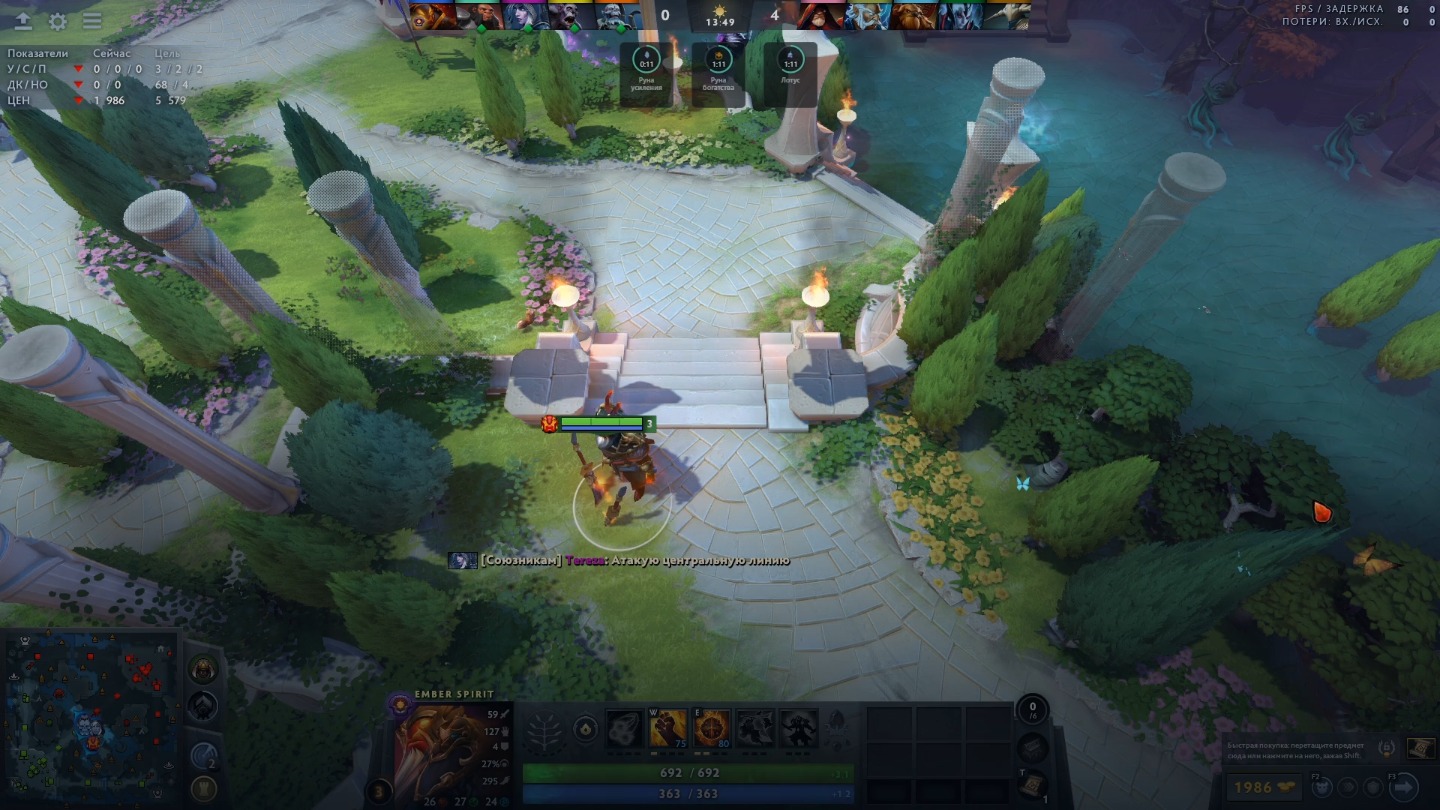
For Windows. Access and installation through Uni Launcher.
Scroll to bring it together ↓Explore counter-pick options against the opposing heroes as your team takes shape.
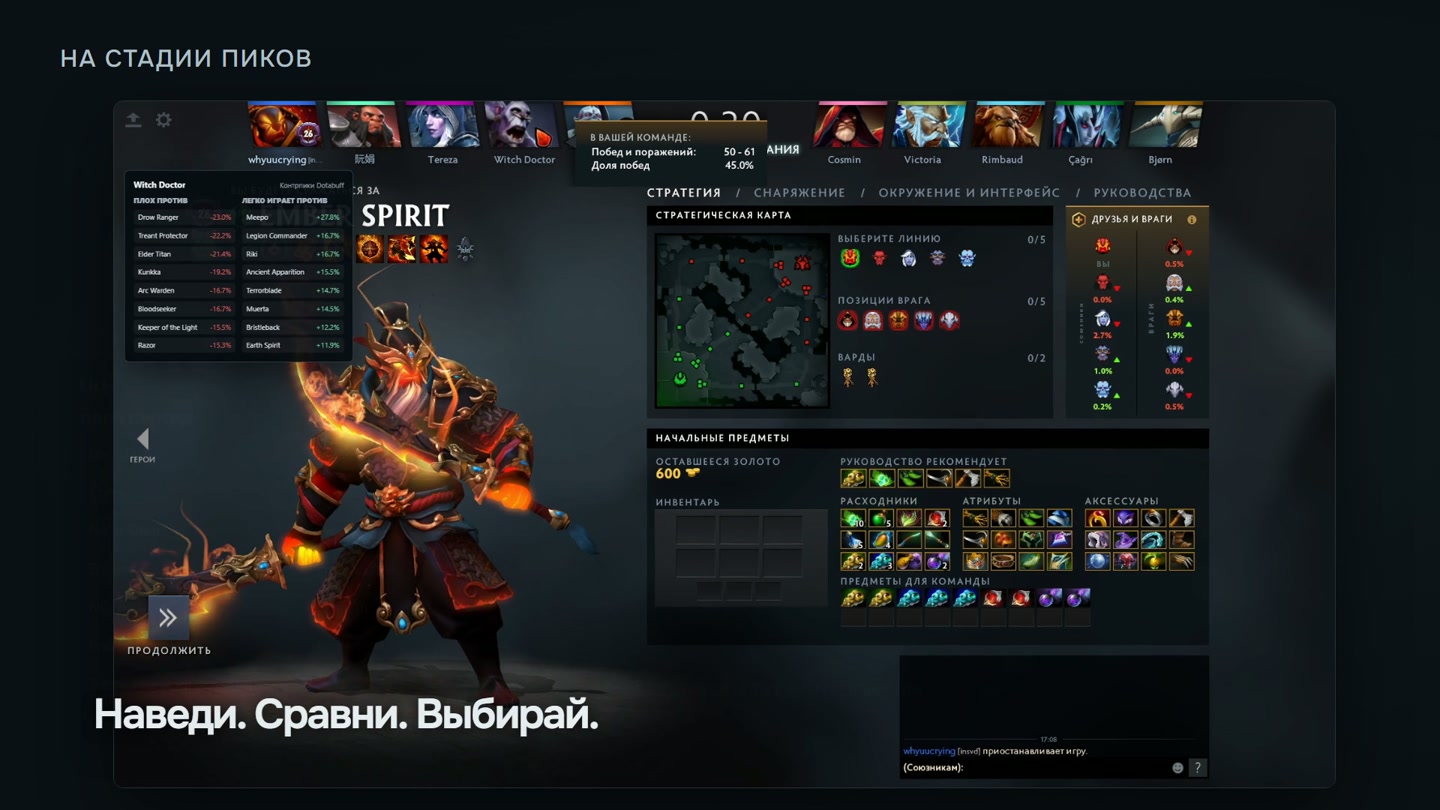
Items, abilities and talents based on ProTracker data. Useful information right over the game.


 6m8m8m19m25m25m29m31m
App interface. Sample Pudge build, data snapshot from 22 October 2026.
Try it here. Move the widgets. Hide what you do not need. Make the interface your own.
00:30 02:30
 02:306m8m8m19m25m25m29m31m
The real UniPlus Overlay overview
Current pricing and subscription terms are in your Uni account. The video shows the price at the time of recording.
Bring UniPlus to your next match. Continue in your Uni account.
Continue to Uni ↗Register and verify your email at unispot.io.
Choose your subscription in your Uni account.
Install Overlay from your Uni Launcher library.
Event timers, hero builds, counter-pick suggestions and match stats. Configure the modules you want.
Install UniPlus through Uni Launcher on Windows. Manage your subscription and access at unispot.io.
Support is available in Launcher and through your Uni account.


